
Yes. You can transfer forms between Microsoft Forms and Google Forms using a 2-way migration tool — without rebuilding questions manually.
Transfer Microsoft Forms ↔ Google Forms in Minutes
Whether you’re switching platforms, merging team workflows, or managing forms for school or business, Forms™ Migrator lets you migrate forms between Microsoft Forms and Google Forms using a simple:
Import → Review → Create process.
How to transfer forms (2-way)
Microsoft Forms → Google Forms
Select your Microsoft Form
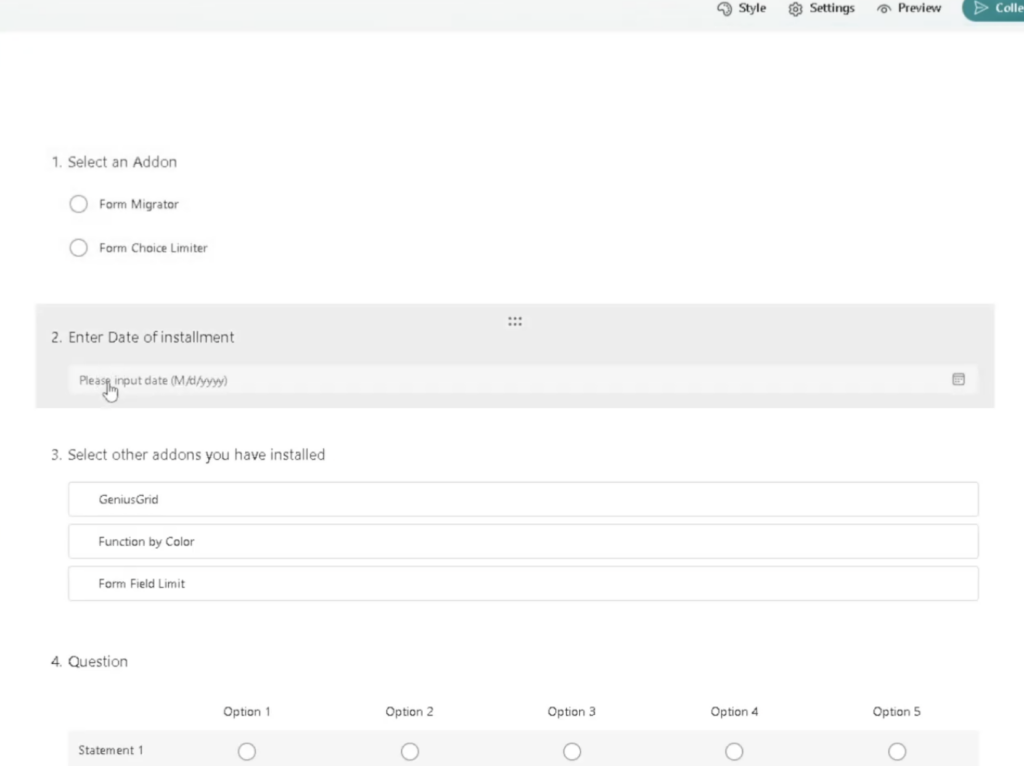
2. Import into Forms™ Migrator
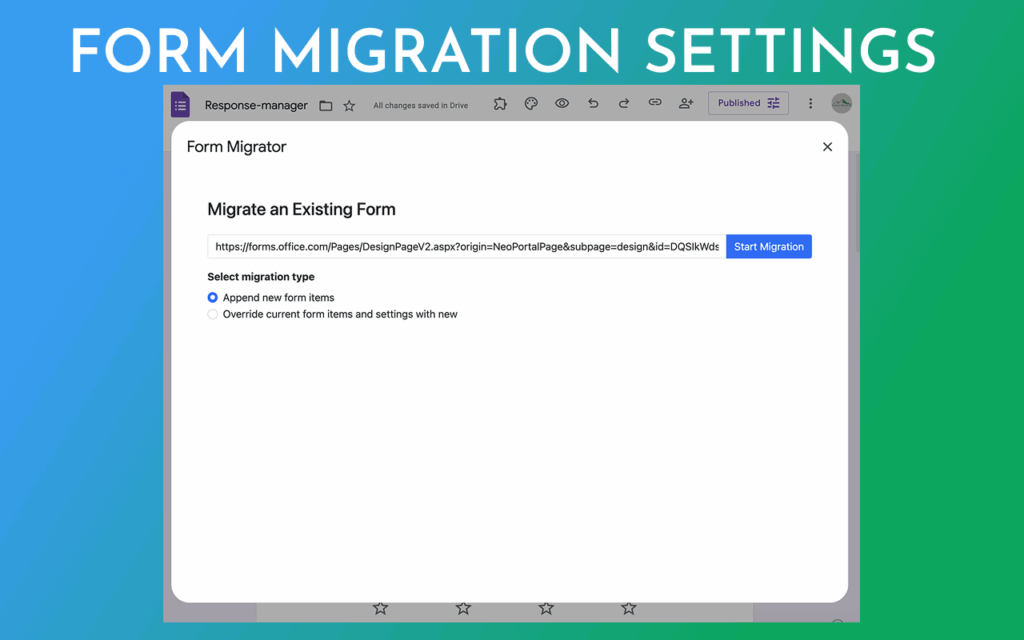
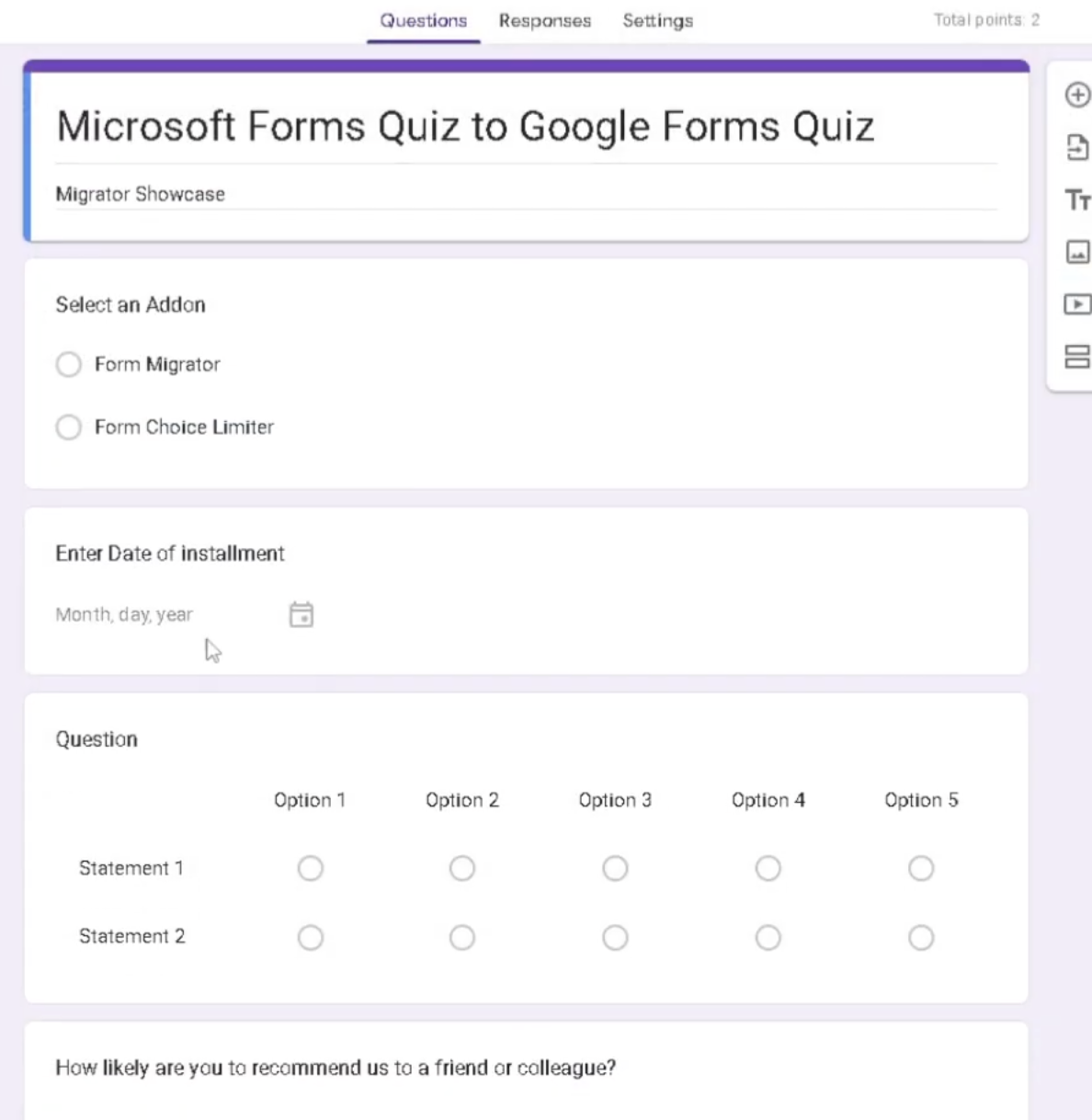
3. Review the converted form
4. Create your Google Form
Google Forms → Microsoft Forms
Select your Google Form
Import into Forms™ Migrator
Review the converted form
Create your Microsoft Form
🎥 Watch the tutorial:
Why people transfer forms between Microsoft and Google
Most users transfer forms for one of these reasons:
-
A school district moved to Google Workspace
-
A company uses Microsoft 365 but a team uses Google tools
-
HR/Training wants one standard platform
-
You need the same form in both systems
What transfers well (and what to double-check)
A form transfer usually preserves:
-
Question text and order
-
Sections (when supported)
-
Required fields (when supported)
Always review after transfer because Microsoft Forms and Google Forms don’t match 100% on every feature. A quick check prevents mistakes.
60-second review checklist (recommended)
Before you share the new form, confirm:
-
Required questions
-
Answer choices
-
Sections and flow
-
Any rules/settings that matter
Ready to try a 2-way form transfer?
If you’ve been searching:
-
“transfer Microsoft Forms to Google Forms”
-
“convert Google Forms to Microsoft Forms”
-
“migrate forms between Microsoft and Google”
This guide (and Forms™ Migrator) is made for that workflow.
✅ Install Forms™ Migrator