Safely Review AI Changes Before Updating Your Spreadsheet
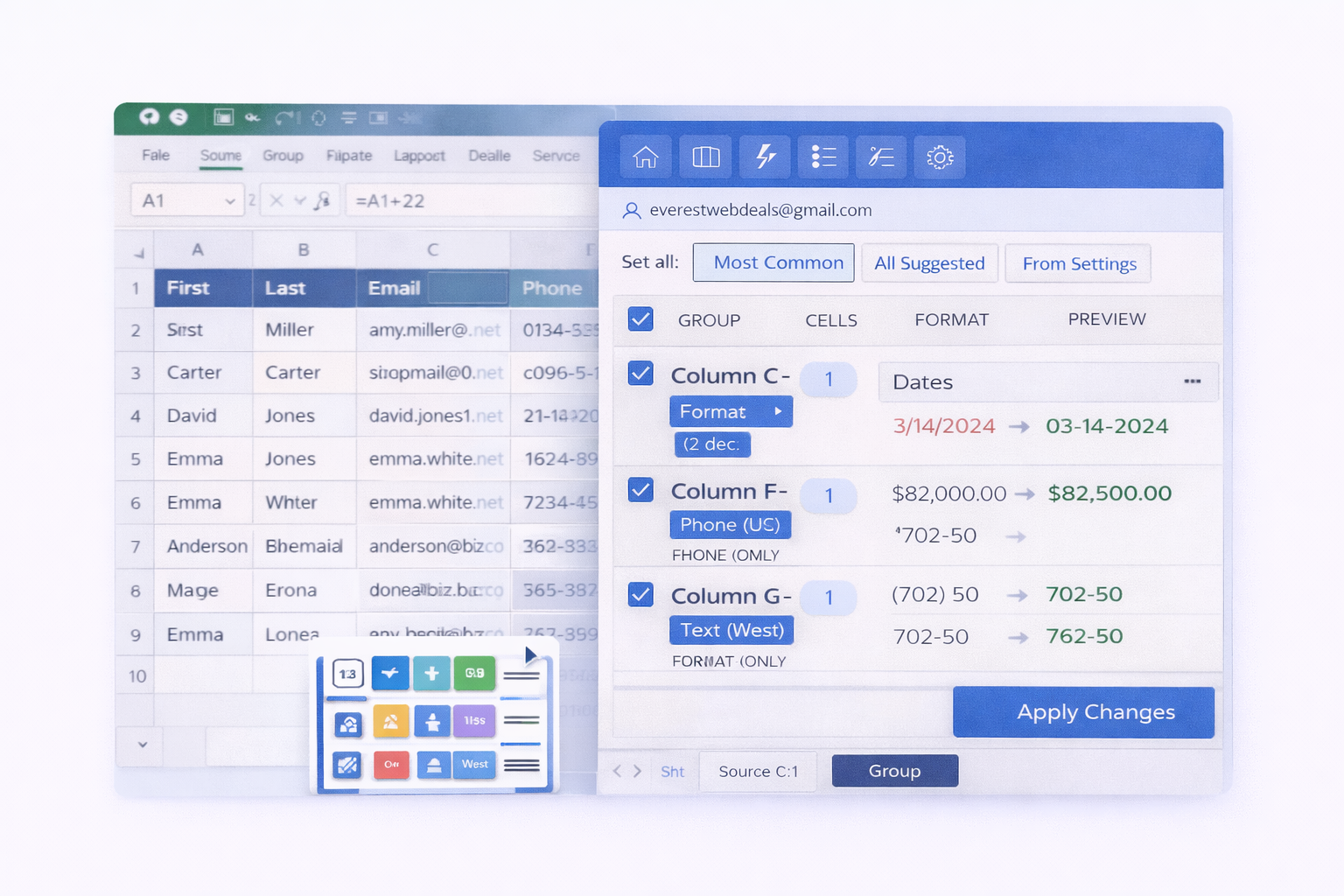
When working with large Excel spreadsheets, making automatic changes can feel risky. Many Excel tools apply edits instantly, which can accidentally delete data, overwrite values, or introduce formatting issues. This is especially dangerous when cleaning imported datasets, financial reports, or shared business files.
Instead of immediately modifying your worksheet, the add-in first shows a clear preview of all AI-suggested changes.
- Review proposed formatting updates before applying
- See duplicate detection results clearly
- Check suggested error fixes in advance
- Understand standardized values across columns
This preview helps you clearly see before to after results so you can apply changes with confidence and avoid mistakes.
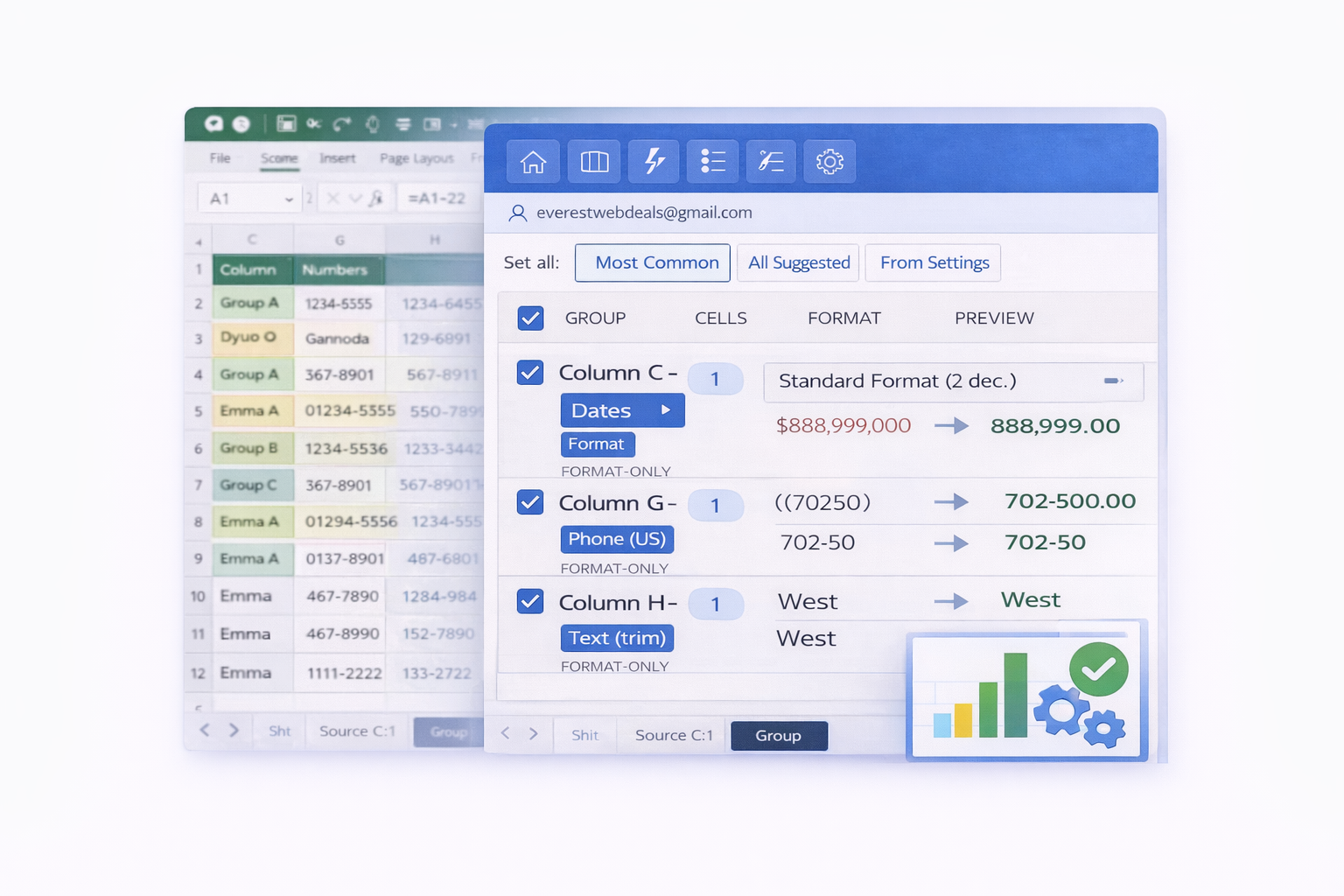
AI-powered duplicate detection groups similar values so you can review them before deletion.
- Verify duplicate records before removing them
- Ensure the correct rows are selected first
- Avoid deleting important data by mistake
By previewing duplicate groups first, you can safely clean your spreadsheet without losing valuable information.
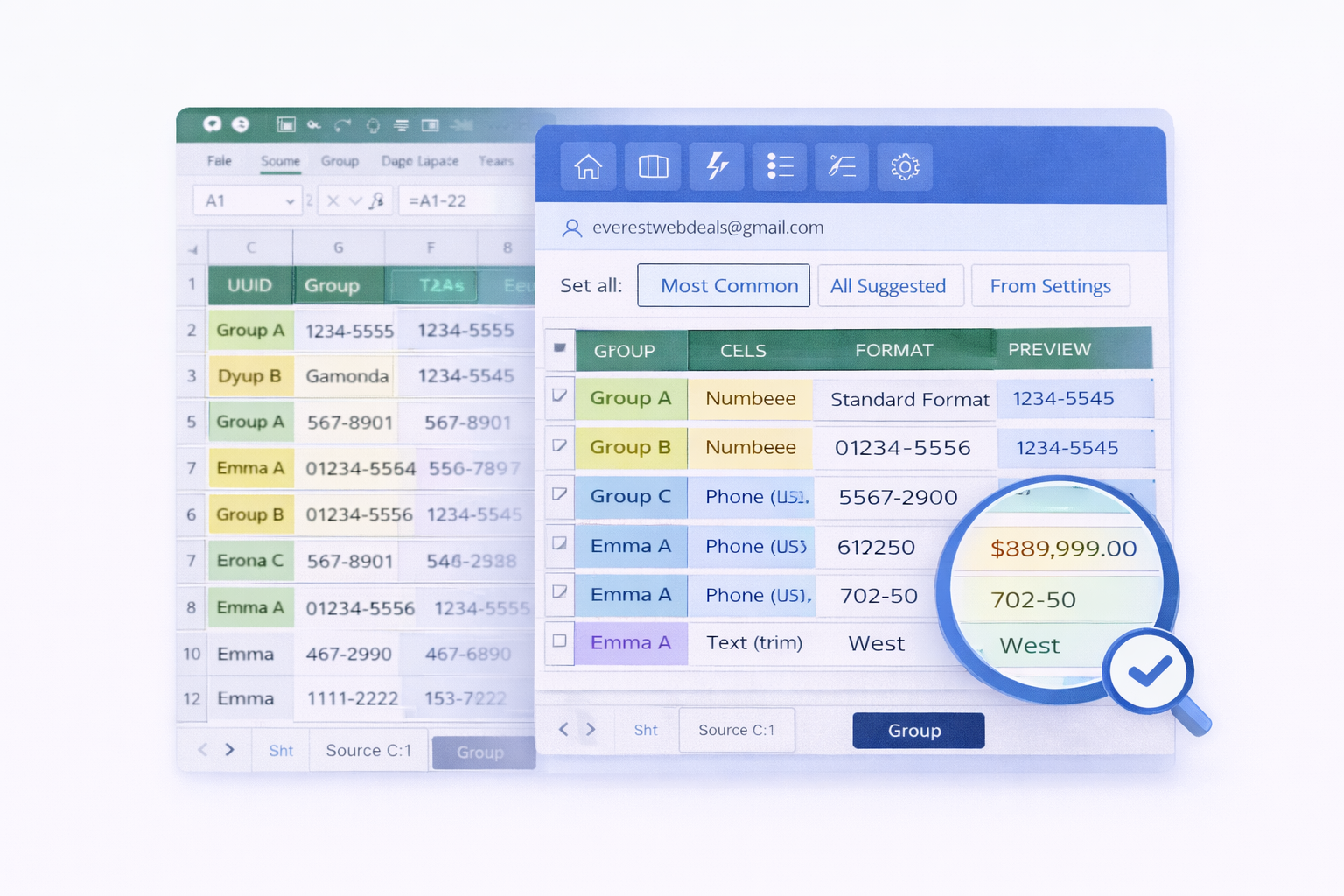
The Smart Formatter detects inconsistent formats and suggests clean, standardized values.
- Review formatting suggestions before applying
- See differences in dates, numbers, and text
- Understand how your data will be standardized
This allows you to clean and format your spreadsheet with full control, ensuring accurate and consistent data.