
Business meetings
Create high-impact AI presentations for meetings, reports, pitches, and conferences from a clear topic.
Create AI slides in Google Slides™ from a presentation topic, slide count, and reference text. GPT for Slides™ Builder helps professionals, students, educators, and executives turn raw ideas into structured AI presentations with related content, images, themes, font styles, color palettes, and layouts.
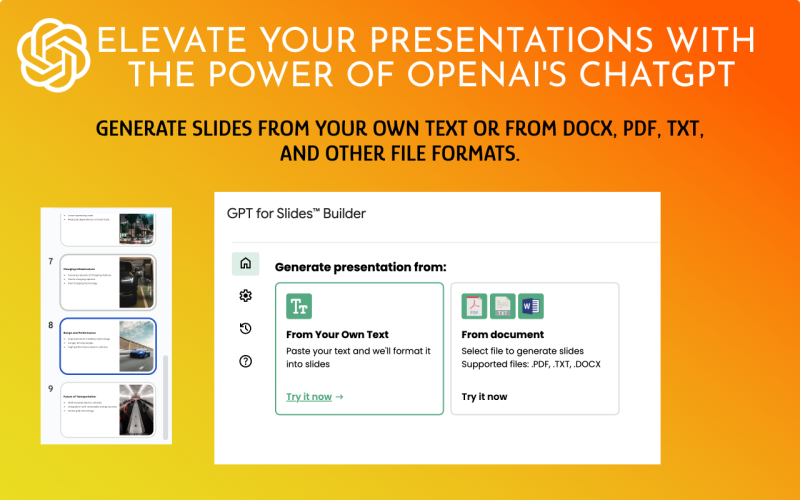
GPT for Slides™ Builder is a Google Slides™ app for time-crunched executives, students, educators, teams, and anyone who needs dynamic AI slides for meetings, lectures, academic projects, school work, or business presentations.
Create high-impact AI presentations for meetings, reports, pitches, and conferences from a clear topic.
Turn research notes, thesis ideas, or class topics into a structured Google Slides™ presentation.
Prepare lecture material and classroom slides with content, images, and presentation structure.
Generate a slide deck draft quickly, then refine the message, visuals, and final details in Google Slides™.
Use GPT for Slides™ Builder to create captivating AI slides from a topic, select the desired slide count, enrich the deck with related content and images, and tailor the presentation style.
Enter the presentation topic and let the AI build a first deck structure around your idea.
Tell the Google Slides™ app how many slides you want so the output fits the presentation length.
Generate AI slides with appropriate images and related content for a more complete presentation draft.
Use theme choices to give the AI presentation a style that matches your audience and purpose.
Adjust font styles so the generated slides feel closer to your preferred presentation format.
Shape the visual direction with color palettes and layouts before the deck is generated.
Guide the AI slides with your own notes, source material, outline, or talking points.
Use uploaded PDF or DOCX files as reference material for the AI presentation maker.
Open GPT for Slides™ Builder from the Add-ons menu and generate the presentation in Google Slides™.
Preview the GPT for Slides™ Builder flow for entering a topic, choosing presentation settings, and generating AI slides with content and images.
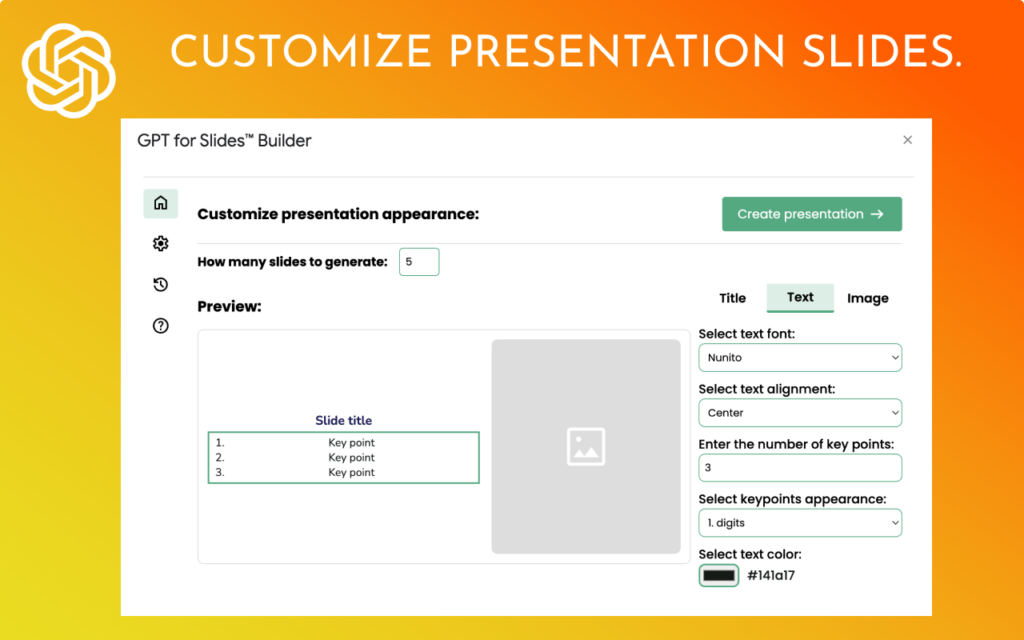
Start from the subject of the presentation and add guidance for the AI slide generator.
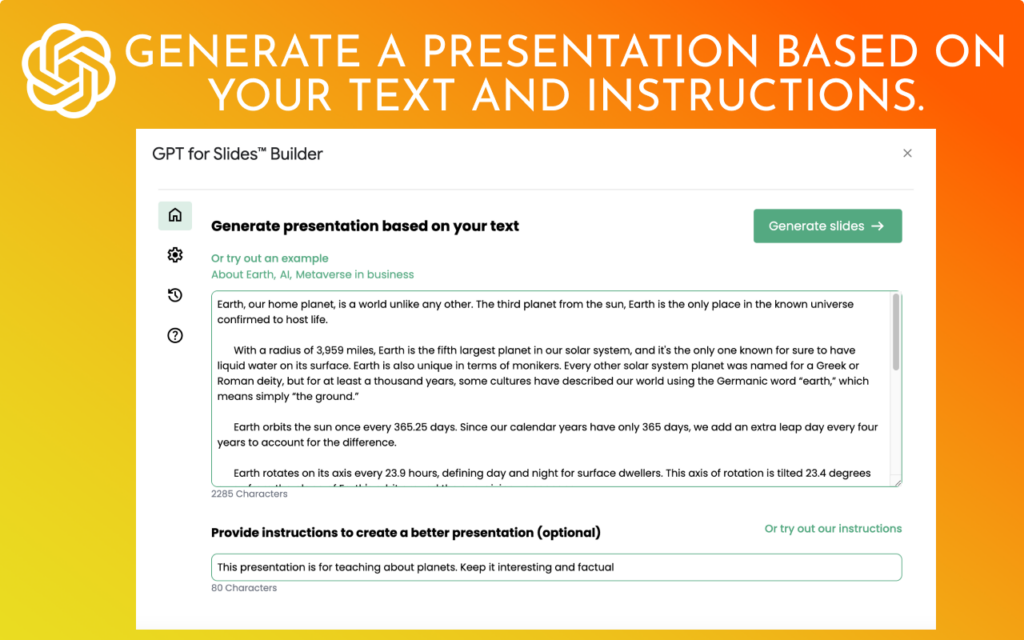
Choose slide count, themes, fonts, color palettes, and layouts for the presentation draft.
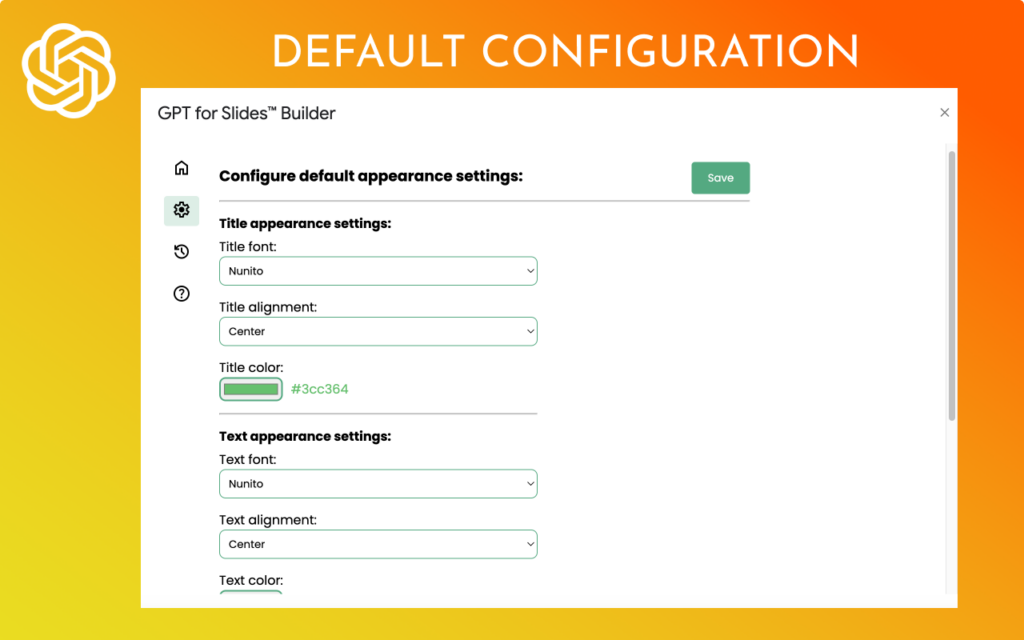
Review the generated deck and continue editing directly inside Google Slides™.
The setup flow stays close to the current help article: install from Google Workspace Marketplace, authorize the add-on, launch it from Google Slides™, choose the presentation details, then let AI create the deck.
Open the GPT for Slides™ Builder listing in Google Workspace Marketplace and install the add-on.
Create a new presentation or open an existing deck where the AI slides should be generated.
Use the Google Slides™ Add-ons menu to open GPT for Slides™ Builder in the sidebar.
Input your presentation topic, desired slide count, reference text, or uploaded PDF, DOCX, and TXT files.
Choose themes, font styles, color palettes, and layouts that fit the AI presentation.
Click Generate and review the AI-powered presentation with related content, images, and structure.
Adjust wording, visuals, and layout in Google Slides™ before presenting or sharing the deck.
Use the finished Google AI Slides deck for a lecture, meeting, school project, or business presentation.
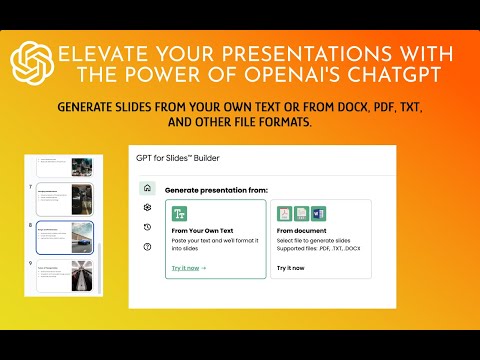
Watch the GPT for Slides™ Builder workflow for creating a presentation from a topic, adding content and images, and customizing the generated deck.
 Watch
Watch
See how the add-on generates structured presentations with content, images, and customizable styles.
 Watch
Watch
Follow the full workflow for entering a topic, selecting slide options, and generating an editable presentation.
 Watch
Watch
Learn the shorter workflow for turning an idea into a professional presentation draft.
These links preserve the current page path, Marketplace install route, setup tutorial, FAQ, AI policy pages, and internal related-product paths.
Install the AI Slides and AI presentation add-on from Google Workspace Marketplace.
Open the setup guide for installing, authorizing, launching, and using the AI presentation maker.
Review support, permissions, billing, and troubleshooting answers for Google Workspace add-ons.
Open the existing AI privacy policy for Everest Web Deals AI add-ons.
This guide helps visitors understand how GPT for Slides™ Builder creates AI presentations before they open the setup tutorial or install the add-on.
GPT for Slides™ Builder is a Google Slides™ app that helps transform raw ideas into visually engaging AI slides in moments.
Use it when you need an AI presentation for vital meetings, conferences, school projects, thesis work, classroom lectures, training material, or business updates.
The add-on enriches your chosen topic with appropriate images and related content, tailored to your desired slide count and preferred presentation style.
Experience the future of AI presentations with GPT Slides Builder, revolutionizing AI slides creation in Google Workspace.
Use GPT for Slides Builder as an AI Presentation and Google AI Slides tool for creating presentations with AI, generating AI slides, and choosing themes, font styles, color palettes, layouts, and reference uploads.
Visitors can enter a topic, choose the number of slides, provide reference text, upload PDF, DOCX, or TXT files, click Generate, and continue refining the deck inside Google Slides™.
Short answers help visitors understand whether GPT for Slides™ Builder is the right AI presentation maker before they install it from Google Workspace Marketplace.
Install GPT for Slides™ Builder, enter a presentation topic, choose slide count and style options, add reference text or files, and generate an AI presentation inside Google Slides™.