Messy spreadsheet data can make reports harder to read, break formulas, and create confusion. Common problems include extra spaces, mixed date formats, inconsistent currency values, and numbers stored as text.
The Smart Formatter feature in AI Tools For Excel helps users clean data in Excel faster. Instead of fixing values one by one, users can scan a selected range or the full worksheet, find formatting issues, and apply clean formatting rules with more control.
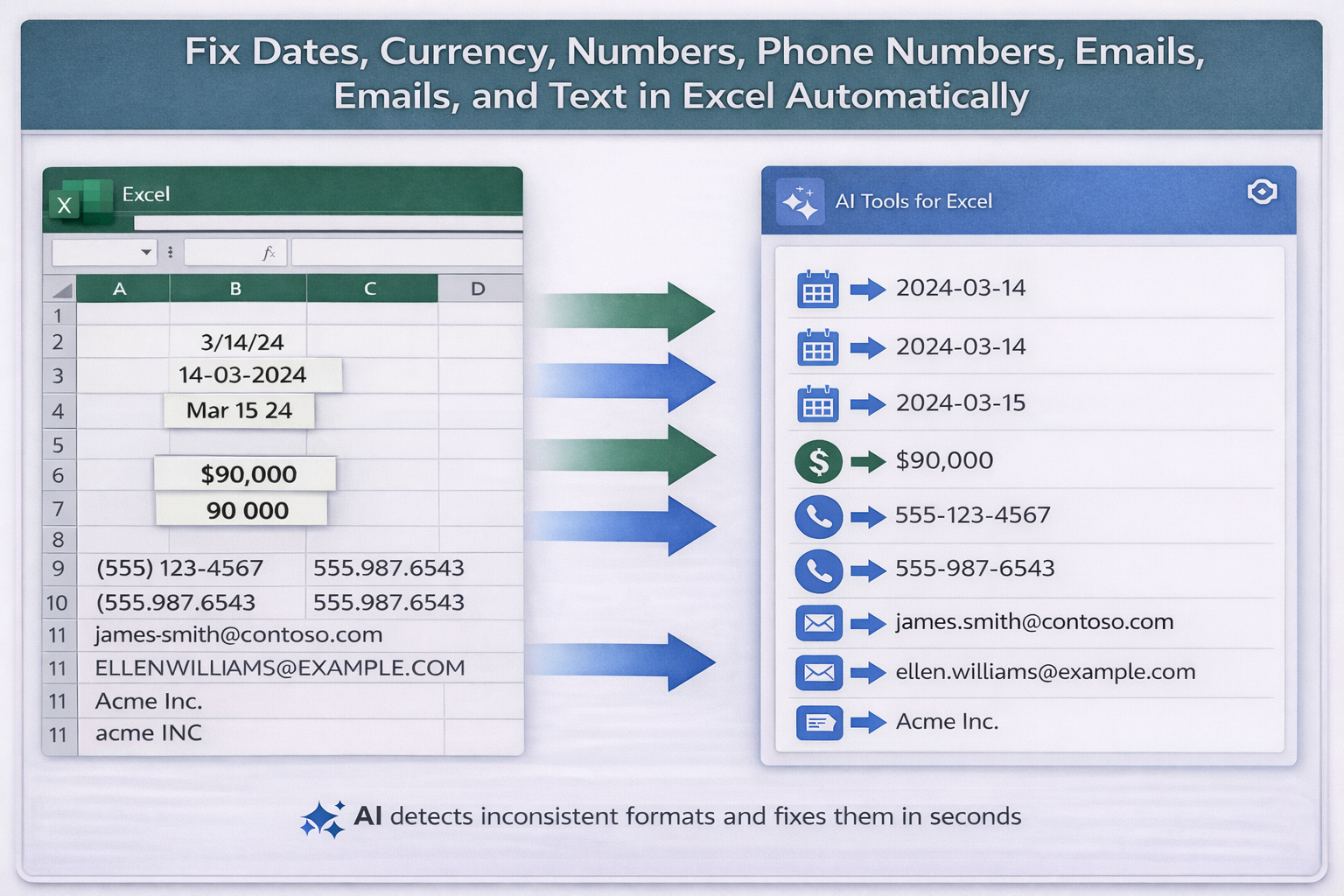
- numbers stored as text
- inconsistent currency formats
- extra spaces
- incorrect decimal separators
- inconsistent capitalization
- badly formatted phone numbers
- poorly formatted email addresses
If you need a faster way to clean data in Excel, Smart Formatter helps reduce manual work and makes spreadsheet cleanup easier.
Cleaning data manually takes time, especially in large spreadsheets. Smart Formatter helps users standardize values faster and make worksheets easier to read, filter, and analyze.
Clean data makes spreadsheets more reliable. It improves reporting, helps formulas work correctly, and makes the worksheet easier to manage.
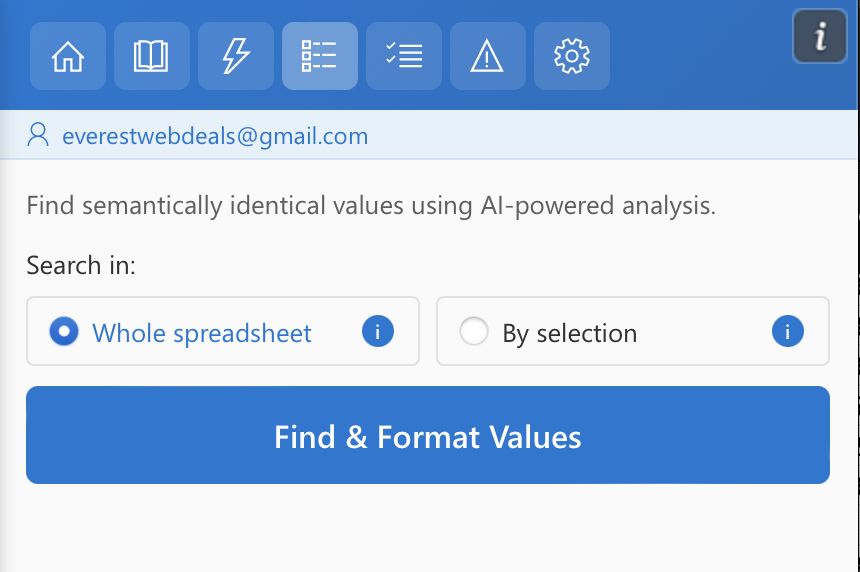
- open Smart Formatter from the Excel ribbon
- choose the full worksheet or a selected range
- click Find & Format Values
- review detected issues and preview changes
- apply the formatting rules you want