AI Excel Formula Generator – Write Formulas Instantly

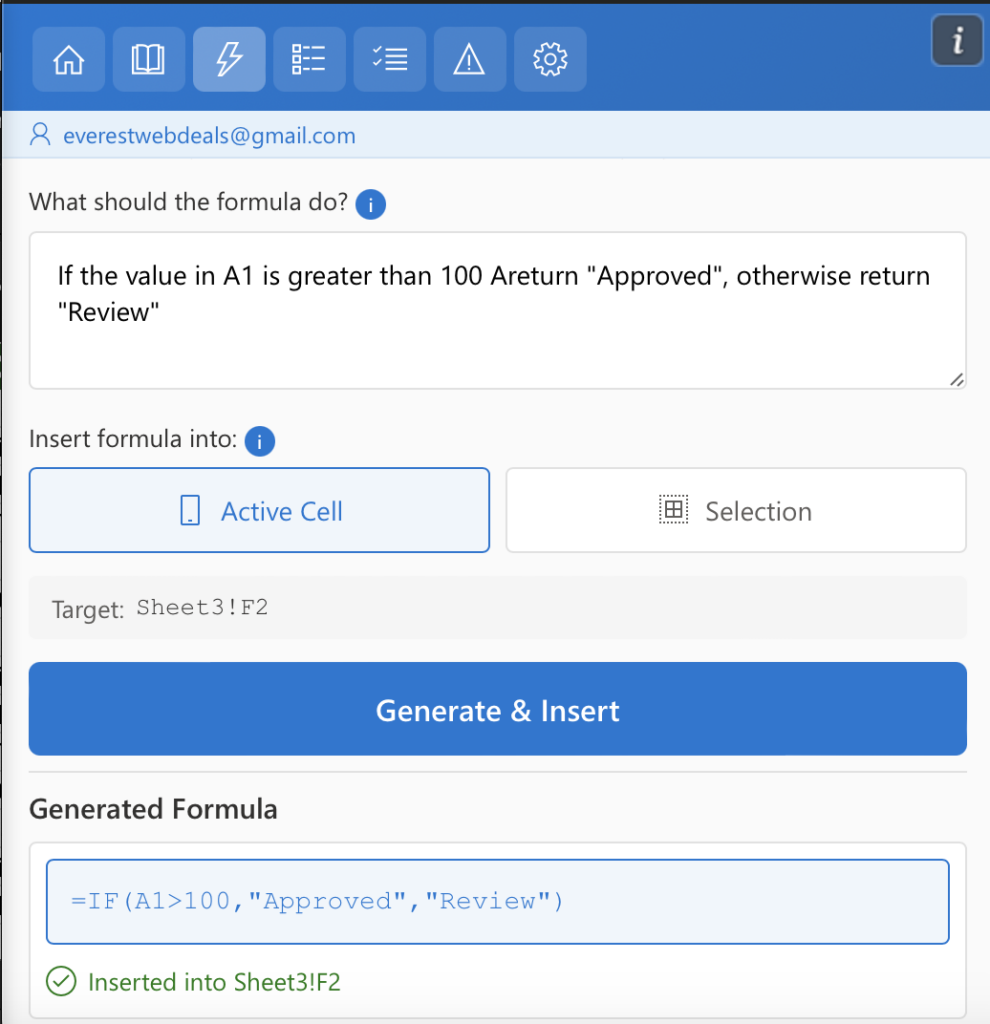
The Generate Formula feature in AI Tools For Excel works as an excel formula generator that lets you create Excel formulas using plain language. First, you describe the calculation you want to perform, then the AI generates the correct formula, and finally it inserts the formula directly into the selected cell.

How to Use Generate Formula

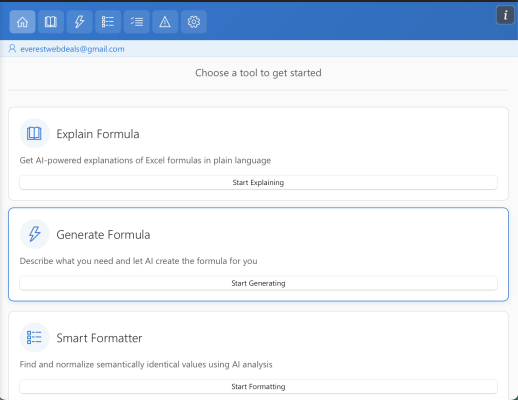
Step 1 — Open Generate Formula

Open AI Tools For Excel from the Excel ribbon and select Generate Formula.
Screenshot 2026-03-08 at 3.02.16 PM

Step 2 — Describe the Desired Calculation

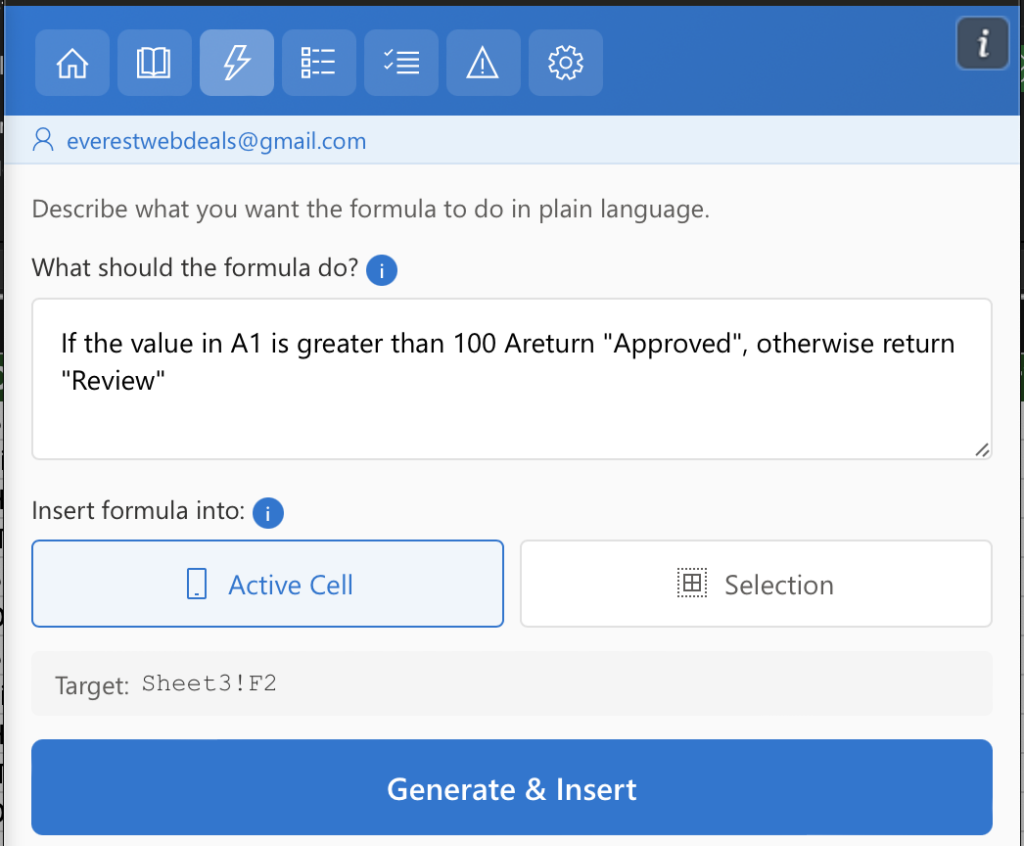
In the “What should the formula do?” field, describe the calculation you want Excel to perform.

Use clear and simple instructions written in plain language.

Example prompt

If the value in A1 is greater than 100 Areturn "Approved", otherwise return "Review"

Step 3 — Choose Where to Insert the Formula

Decide where the AI-generated formula should be inserted in your worksheet. AI Tools For Excel allows you to apply the generated formula either to a single cell or to a selected range of cells.

Active Cell

Use this option when you want to insert the formula into a single location.
Simply click the cell where the result should appear, select Active Cell, and AI Tools For Excel will generate the formula and insert it directly into the selected cell.

Selection

Use this option when you want to apply the generated formula across multiple cells.
Select the range of cells in your worksheet, choose Selection,
and AI Tools For Excel will automatically generate the formula and insert it
into each cell within the selected range.

This flexibility allows you to quickly apply formulas to a single calculation
or efficiently populate formulas across larger datasets.

Tips for Best Results

Describe the Task Clearly

Explain the calculation you want in simple, natural language so the AI can generate an accurate Excel formula.

Specify Cells or Ranges

Mention the cells or ranges involved in the calculation, such as A1, B2, or A1:A10.

Include the Expected Result

If the formula should return a specific value or condition, clearly describe the expected outcome.

Use Simple Instructions

Short and clear prompts usually produce the best formulas and more accurate results.
Hi, I am your personal AI assistant