
Find Errors in Excel Automatically
The Fix Errors with AI feature helps you find errors in excel automatically by scanning your spreadsheet for formula mistakes and incorrect values. First, it detects possible issues, then it provides AI-powered explanations, and finally it suggests solutions to fix the errors quickly and improve data accuracy.
It helps you quickly understand why an error occurred and how to resolve it, making troubleshooting faster and easier.
AI Tools For Excel can automatically detect common Excel errors, including:
- #DIV/0! — division by zero errors
- #VALUE! — incorrect data types used in formulas
- #NAME? — unrecognized functions or names
- #REF! — invalid or deleted cell references
- #NUM! — invalid numeric values in formulas
- #N/A — missing values or lookup failures
- #NULL! — incorrect range intersections
How to Use Fix Errors with AI
Step 1 — Open Fix Errors with AI
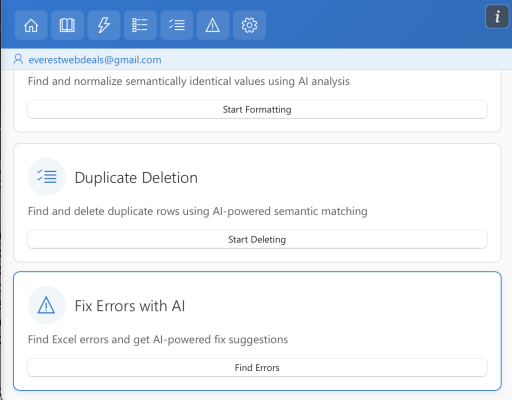
Open AI Tools For Excel from the Excel ribbon and select Fix Errors with AI.
Step 2 — Scan for Errors
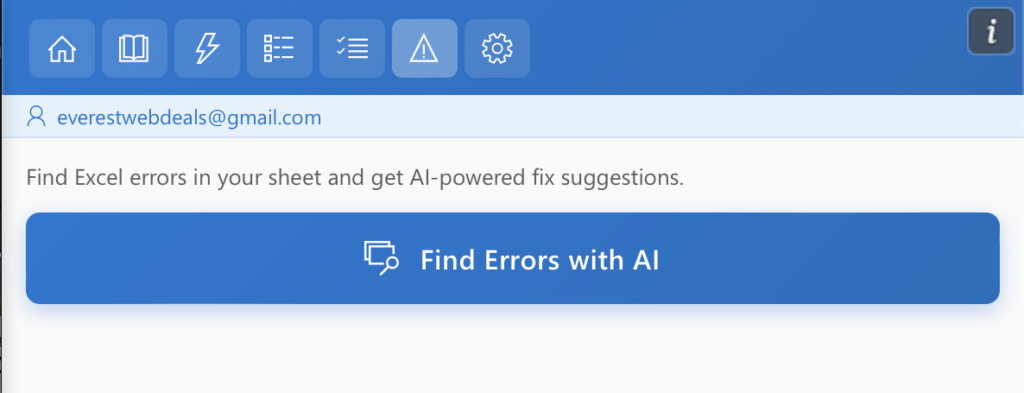
Click Find Errors with AI to begin scanning the worksheet.
AI Tools For Excel analyzes the sheet and automatically detects cells containing Excel formula errors.
Step 3 — Review Errors and Suggested Fixes
After the scan is complete, AI Tools For Excel displays the detected errors in the results panel.
Each error group includes detailed information to help you understand and resolve the issue.
The panel shows:
- Affected cells — the exact cells where the error was detected
- Error explanation — a description of why the formula is producing an error
- AI-generated fix suggestions — recommended corrections for the formula or reference
- Current value — the existing formula or value that caused the error
- Proposed value — the corrected formula or value suggested by AI
Click Apply This Fix to apply the suggested correction. The system will update the formula or value in the affected cell.
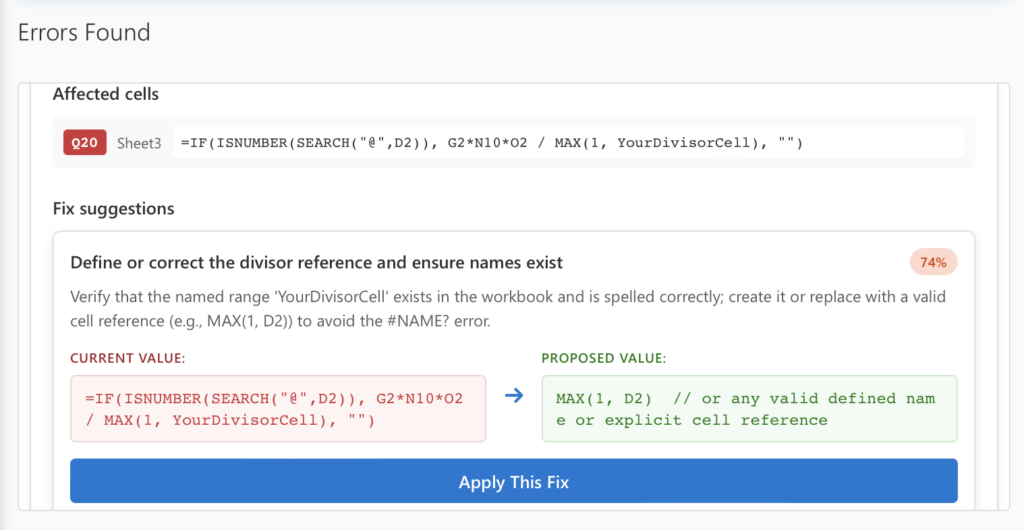
Errors are automatically grouped by type, allowing you to quickly review similar issues across the worksheet.